CAM Covers
Make your photos look like real music album covers.
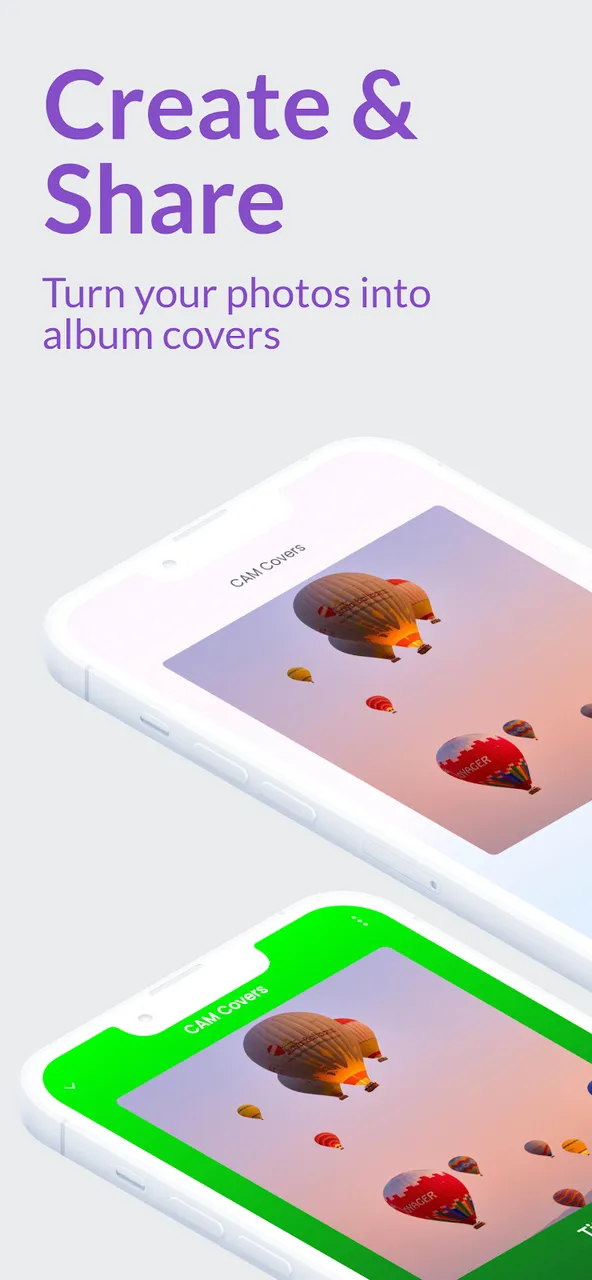
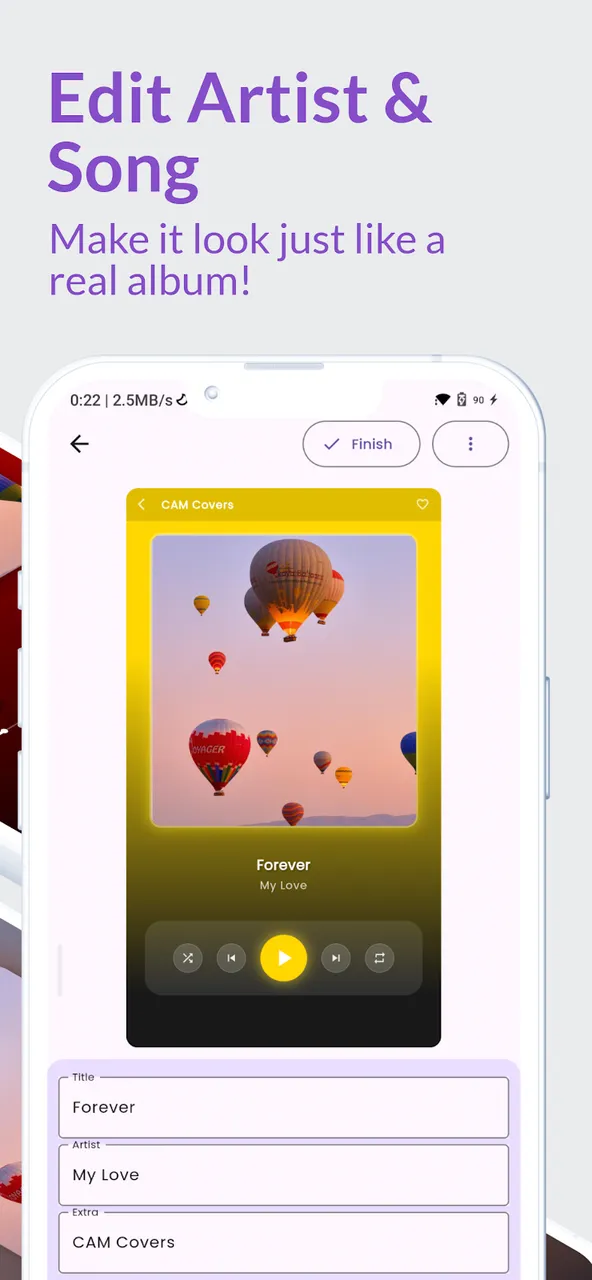
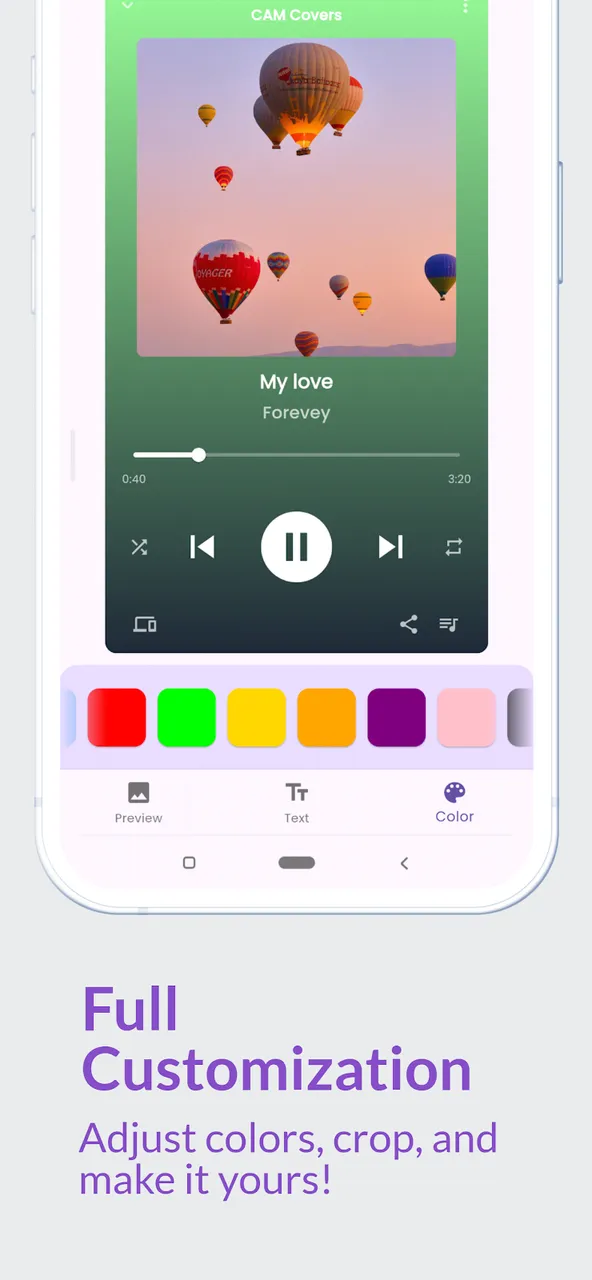
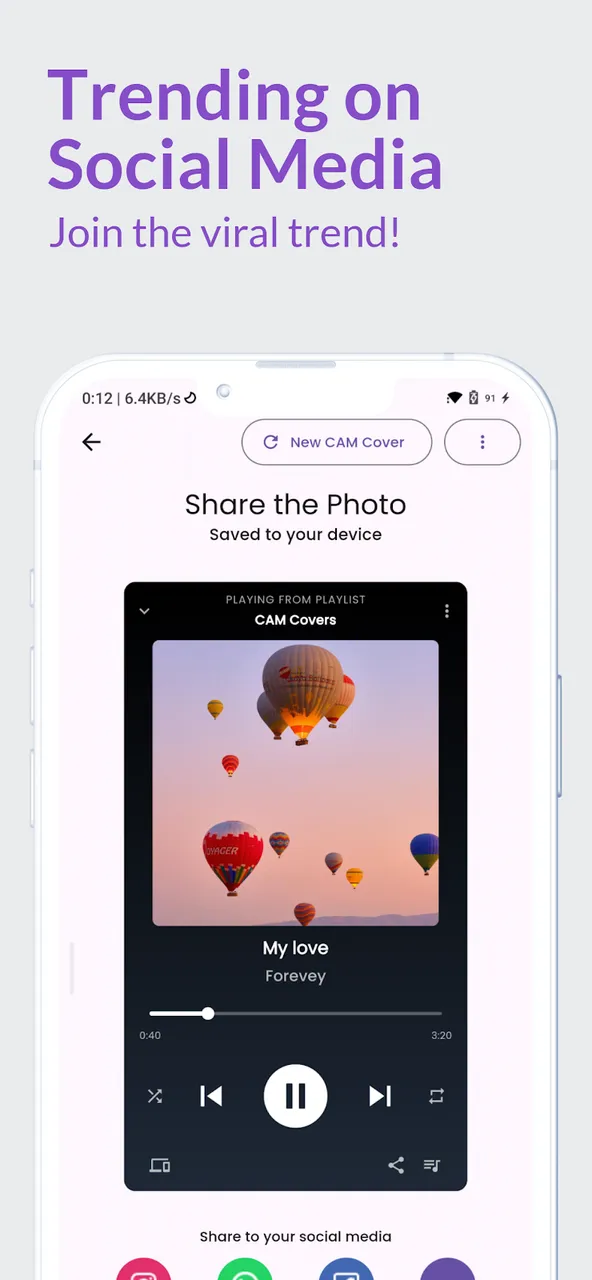
CAM Covers turns your photos into music album covers inspired by real music players, from a grunge rock album to a dreamy lo-fi single. Pick a player style, drop in a photo, type the song title and artist, and share the result on Instagram, WhatsApp, Facebook or TikTok. Everything is rendered on your phone, with no account.
Screenshots
What it does
Simple premise. Real value.
Six player styles
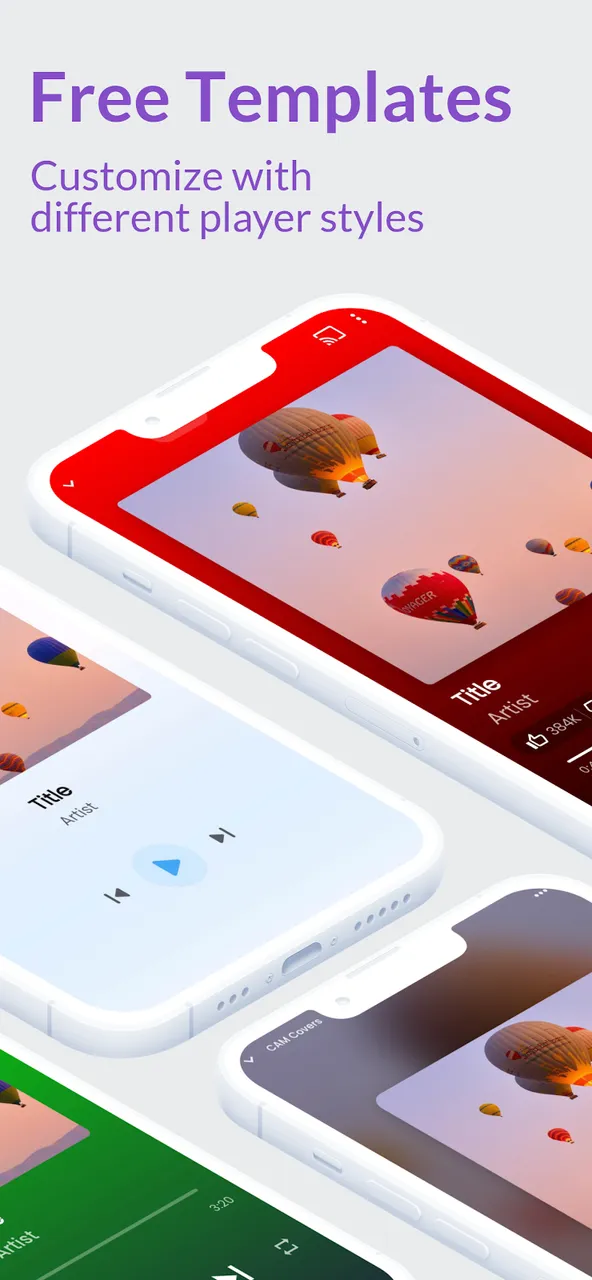
Green, Red, Minimalist, Blur, Anime and Metal, each inspired by a real music player.
Your text, your colours
Edit the song title, the artist and the extra line, and change the player colour.
Gallery or camera
Pick a photo or take one, then crop it to fit the cover.
Save and share
Save to the gallery or send it through the share sheet to Instagram Stories, TikTok or WhatsApp.
The story behind it
The Problem
I tried to create an album cover montage manually on Instagram and it took forever: stickers, manual cropping, several apps. There had to be a faster way.
What I Built
An app that uses Flutter's own rendering system as the editing canvas. RenderRepaintBoundary captures the live UI as a high-resolution image, so no image manipulation library was needed. Flutter itself became the editor.
What I Learned
AI-assisted template creation cut 8 hours of design work to under 1 hour. I used Claude 3.5 via Cursor to generate 4 templates from 2 existing ones. The lesson: think about what parts of your product can be accelerated with AI before writing them from scratch.
Make your photos look like real music album covers.
Turns a photo into a music player screen with your own song title and artist, ready to share.
Get it free on Google PlayWhat the app collects, and the rules for its paid features: privacy policy and terms of use.