
SwipeClean
Clean your gallery with a swipe.
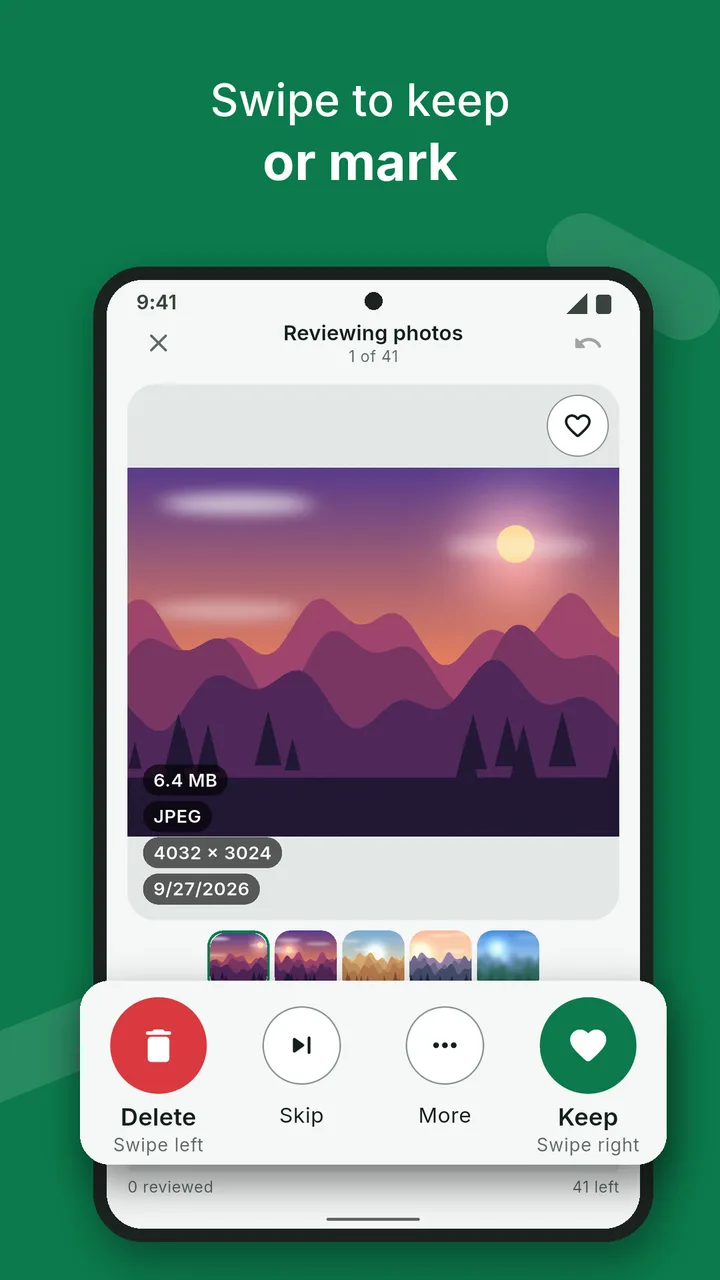
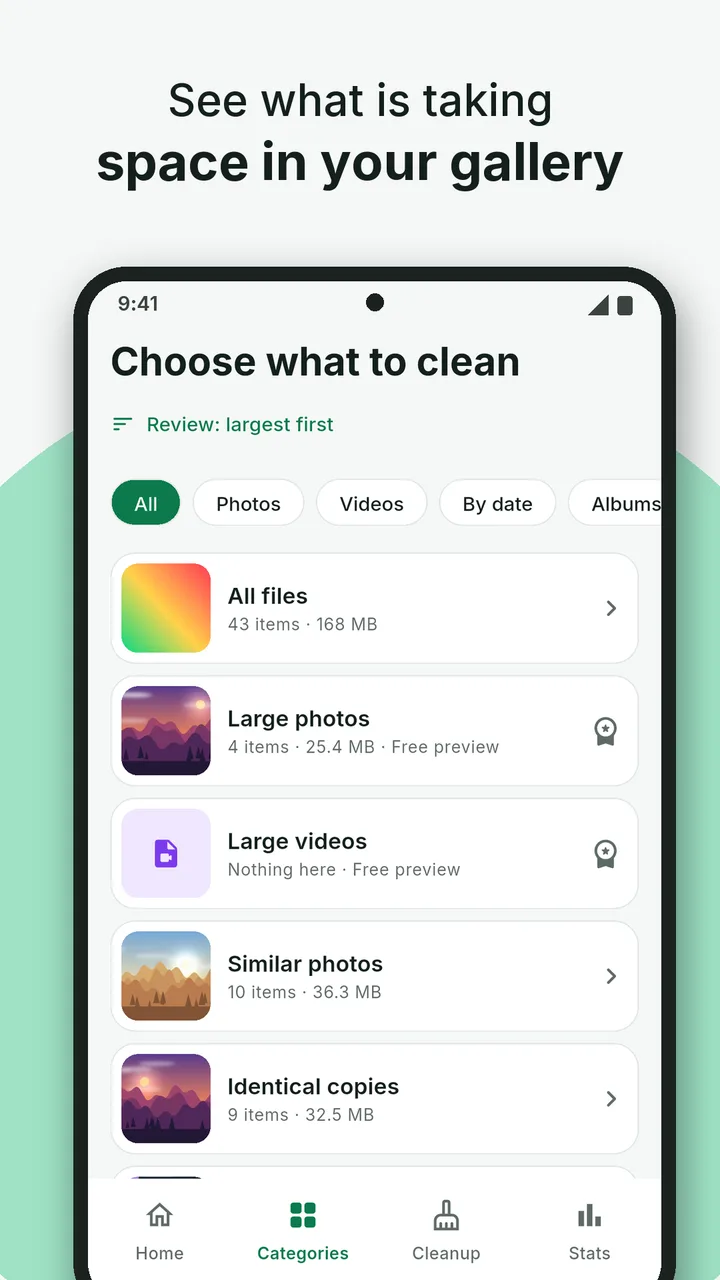
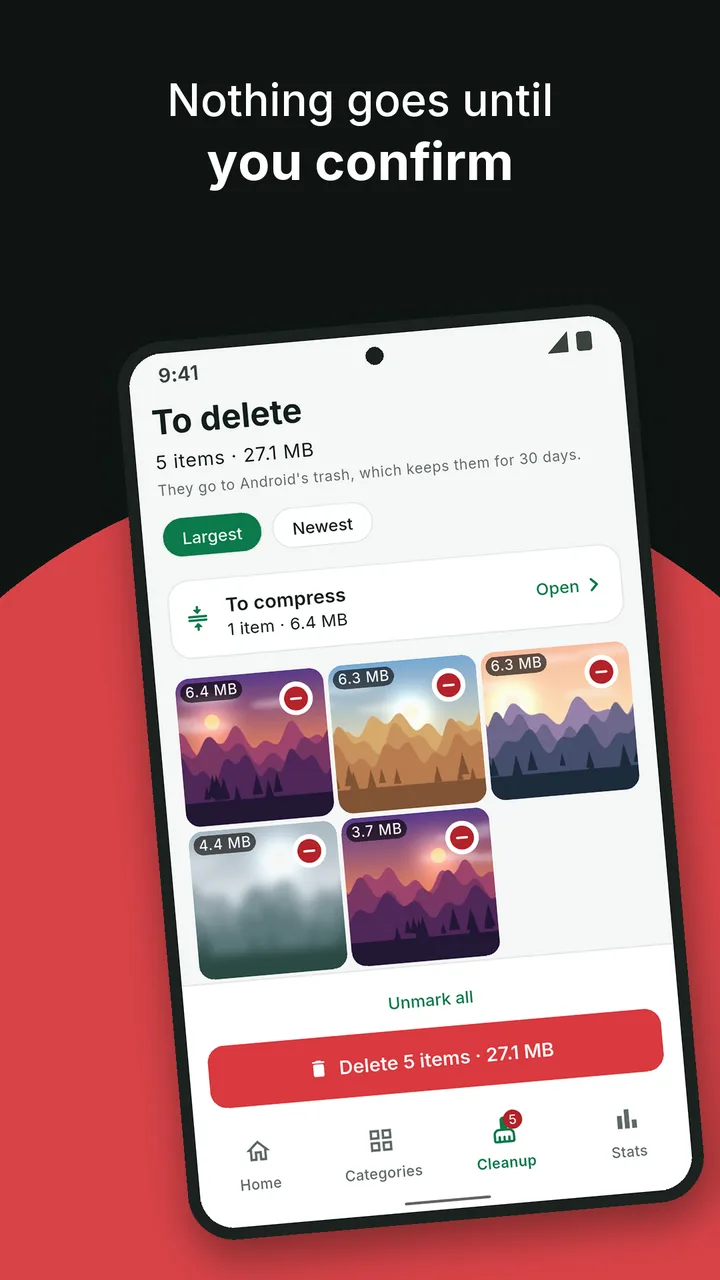
SwipeClean shows one photo or video at a time: swipe one way to keep it, the other to mark it for deletion. Nothing is deleted until you review the To delete list and confirm, and on Android 11 or newer what you delete goes to the system trash. Similar photos appear side by side and you pick the one that stays. Identical copies are matched by file content and shown by origin (Camera, WhatsApp, Downloads), with the camera original suggested. Videos and photos can be compressed instead of deleted, in the same album with the same date. The analysis runs on the phone and your gallery never leaves it. Free, with ads after many decisions and one lifetime Premium, in English and Portuguese.
Screenshots
What it does
Simple premise. Real value.
Swipe to keep or mark
One photo or video at a time, in the order you pick: largest, newest or oldest. A swipe only marks; nothing goes before you confirm.
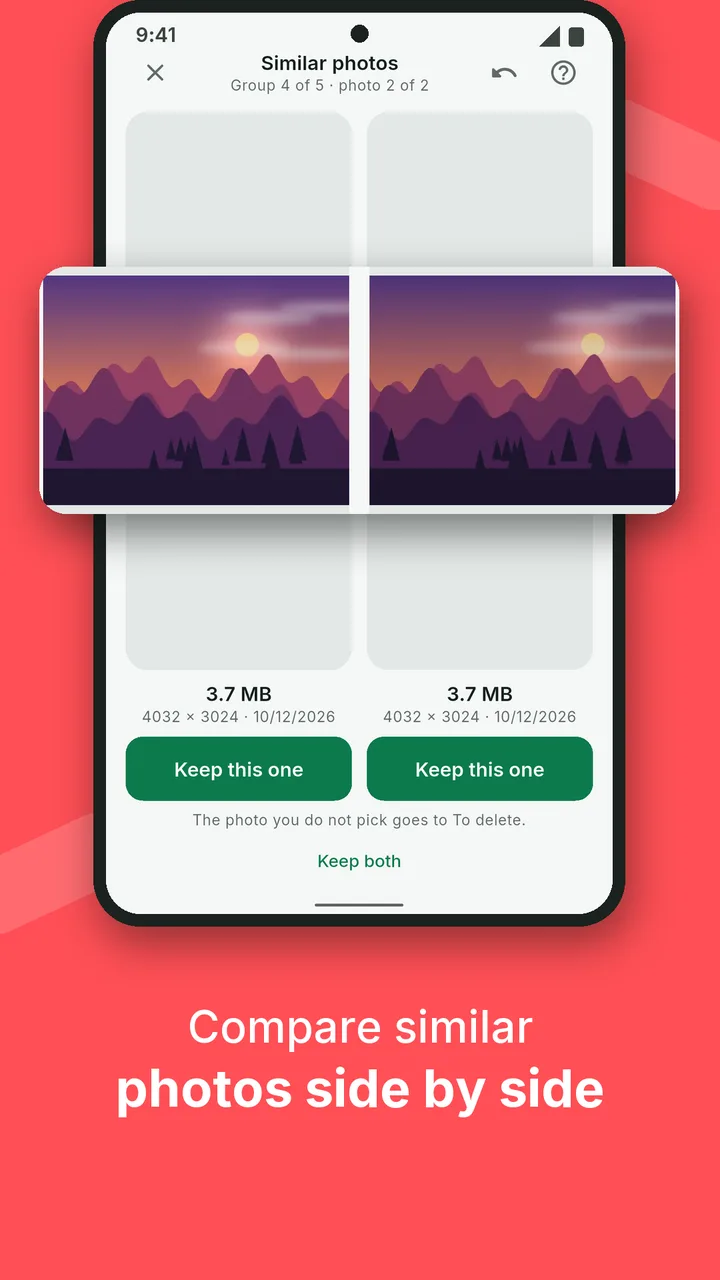
Similar photos side by side
Two photos on screen, you choose which one stays, and the winner meets the next one in the group.
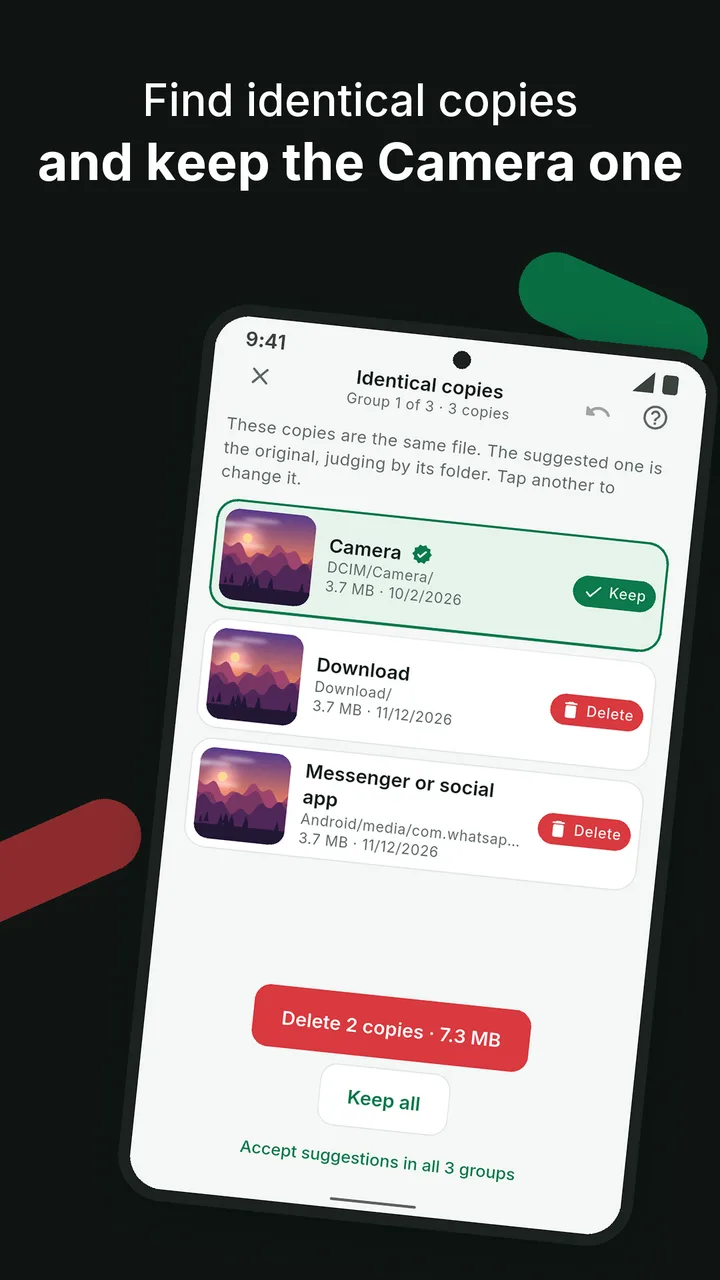
Identical copies by origin
The app compares file contents and shows where each copy lives. It suggests keeping the camera original and deleting the copies.
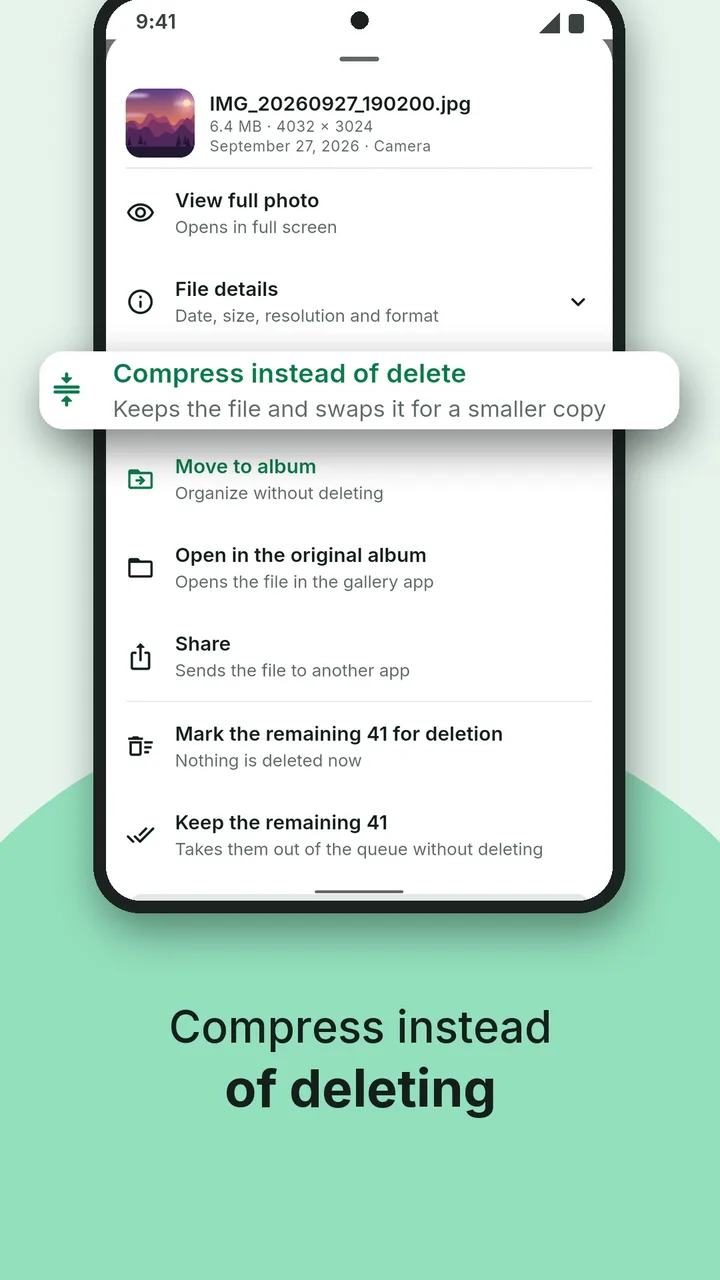
Compress instead of delete
Shrink a video or a photo and keep the smaller version with the same date. The original goes to the trash only if the copy is at least 10% smaller.
The story behind it
The Problem
Gallery cleaners either delete too fast or bury you in lists. With thousands of photos, the real fear is losing the one that mattered.
What I Built
A Flutter app that scans on the device (a difference hash for similar photos, a content hash for identical ones) and makes deletion a separate step: swipes only mark, and the To delete list is reviewed before Android's own confirmation. On Android 11 or newer files go to the system trash.
What I Learned
Matching copies by size and a quick hash gives candidates, not proof. Hashing the bytes of each candidate before calling two files identical, and warning when every copy of a photo is marked, is what makes the delete button safe to press.
Clean your gallery with a swipe.
A photo and video cleaner: swipe to keep or mark, compare similar photos side by side, find identical copies by origin and compress instead of deleting.
Get it free on Google PlayWhat the app collects, and the rules for its paid features: privacy policy and terms of use.