
FlyControl
Your Fly.io apps, in your pocket.
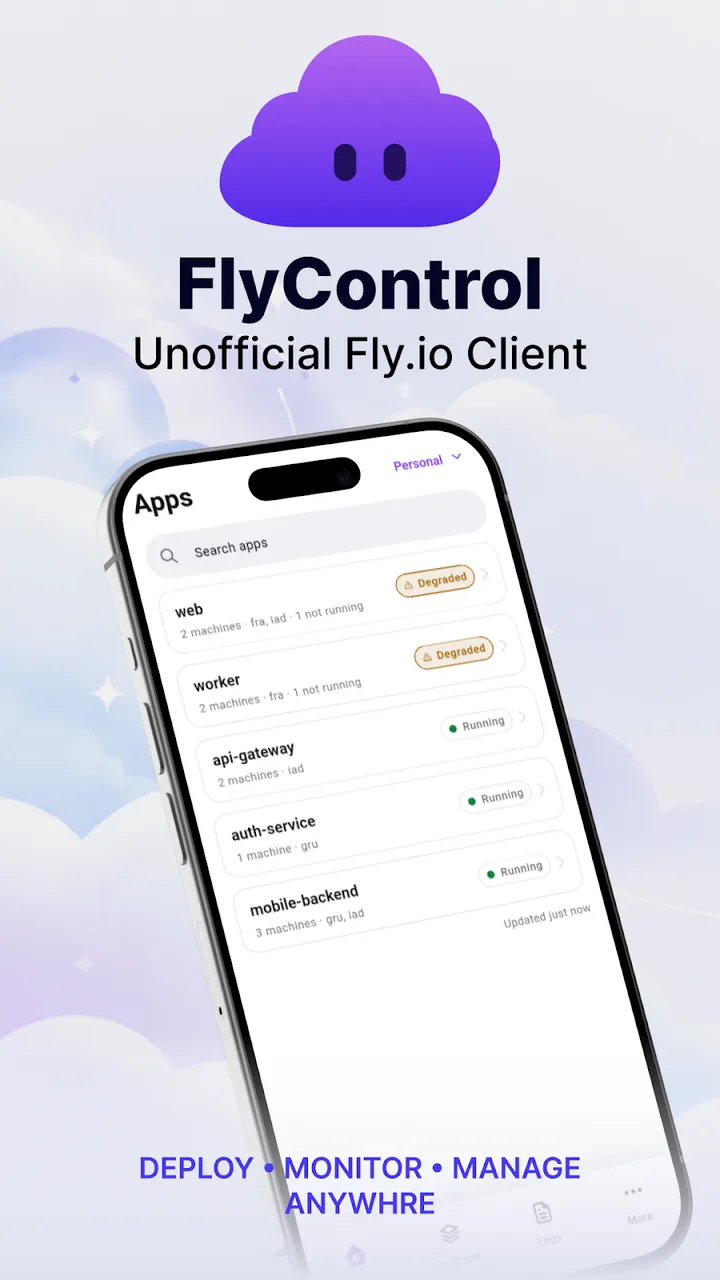
FlyControl is an unofficial Fly.io client for Android. It shows whether your apps and machines are running and lets you act on them from your phone: start, stop or restart a machine, follow its logs and read its CPU, memory, network and disk charts. It signs in with a Fly.io organization token that stays in encrypted storage on the device and is sent only to the Fly.io API. Not affiliated with Fly.io.
Screenshots
What it does
Simple premise. Real value.
Apps and machines
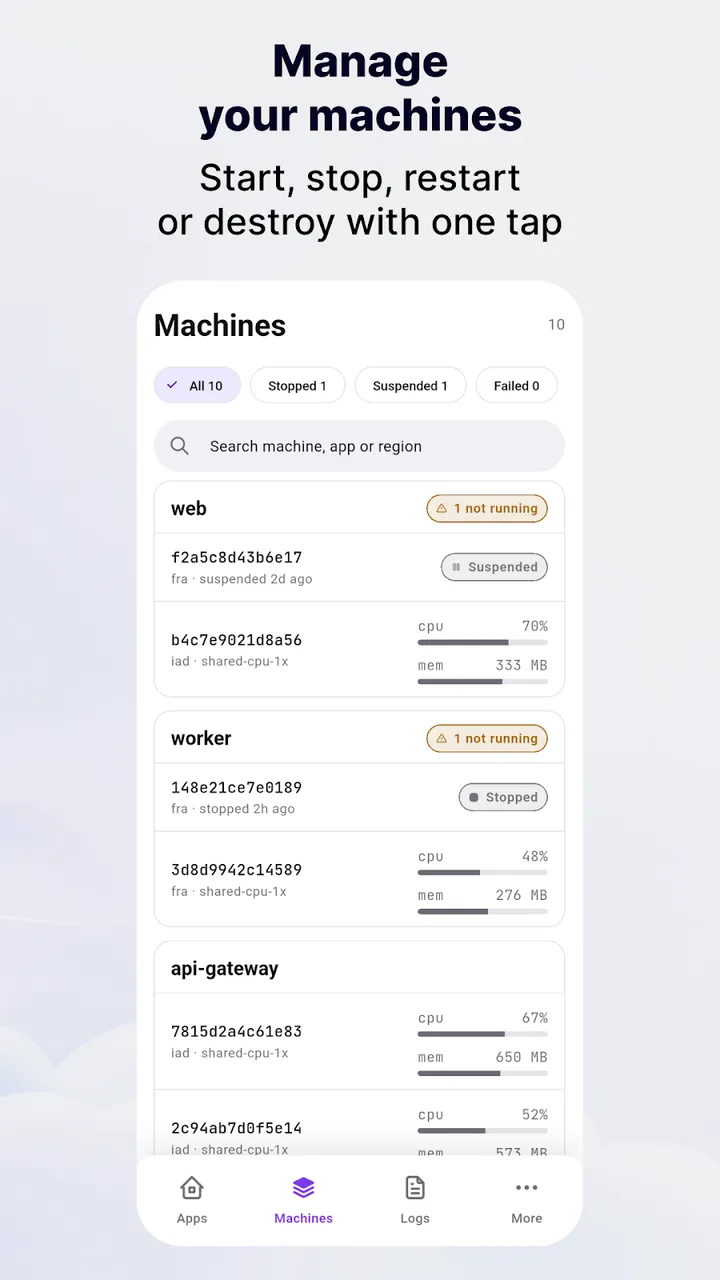
Every app in your organization with its status, machine count and regions. Filter machines by state and search by ID, app or region.
Act from your phone
Start, stop or restart a machine. Destroying one asks for confirmation first.
Live logs
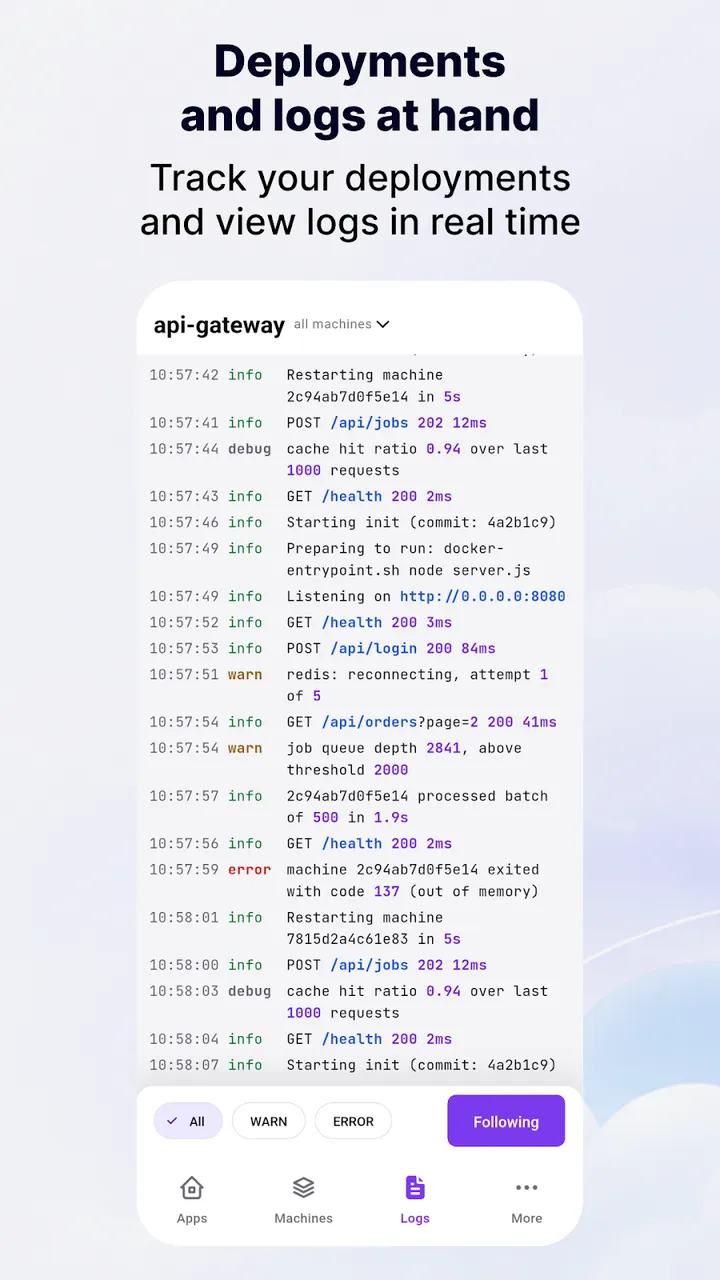
Follow the log stream of an app or a single machine, filter by level and copy any line.
Metrics
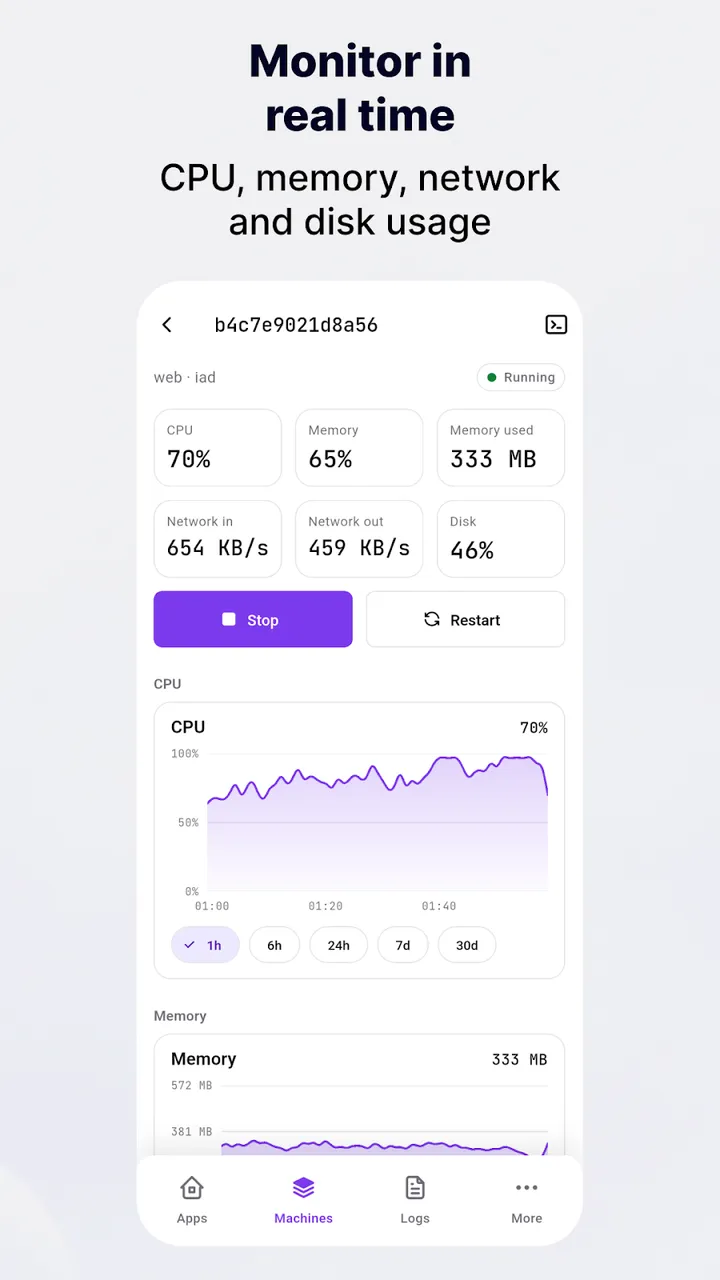
CPU, memory, network and disk charts from the last hour to the last 30 days, plus recent deployments.
Token stays on the phone
Several accounts and organizations, stored in encrypted storage and sent to the Fly.io API and nowhere else.
The story behind it
The Problem
Checking whether a Fly.io machine was up, or reading its logs, meant opening a laptop. The web dashboard is not made for a phone.
What I Built
A Flutter client for Android and iOS that talks directly to the Machines API, the GraphQL API and the Prometheus metrics endpoint, with no server and no account of its own.
What I Learned
Most of the work was in the API, not the UI: undocumented endpoints, rate limits and refresh intervals chosen so the app stays fresh without hammering Fly.io.
Your Fly.io apps, in your pocket.
Unofficial Fly.io client to check apps and machines, read live logs, follow CPU and memory, and restart a machine from your phone.
Get it free on Google PlayWhat the app collects, and the rules for its paid features: privacy policy and terms of use.