Creating an Image Editor with Flutter - CAM Covers (From Idea to Reality)
How I created an image editing app with Flutter. See the challenges, solutions, and monetization of CAM Covers, an album cover editor.
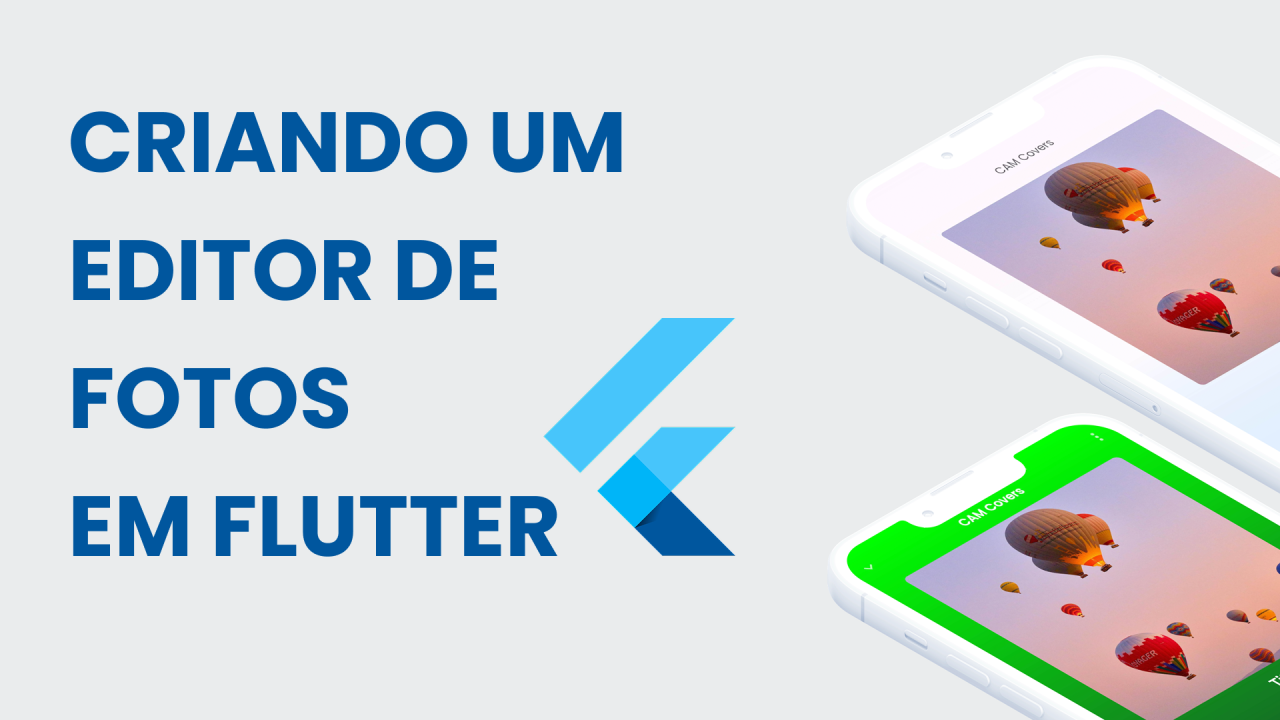
In today's digital world, trends emerge and spread rapidly through social media. Some time ago, I noticed a common trend on Instagram, where people were transforming their photos into music album covers, as if they were artists launching their own albums — the aesthetic of music players like Spotify, combined with personal photos, went viral on social networks.
One day I tried to create one of these montages manually and discovered that the process was surprisingly complex. It required using Instagram stickers, manually adjusting elements, and performing a series of edits that demanded time and skill. That's when I had an idea: why not create an app that automates the entire process?
Thus CAM Covers was born — an app for transforming ordinary photos into professional-looking album covers, inspired by real music players.
The Project Vision
My vision for CAM Covers was clear: create a tool that would allow anyone, regardless of their design skills, to transform their photos into professional-looking album covers in just a few taps.
The app's flow would be simple and intuitive:
- Select a music player template that matches your photo
- Customize elements like title, artist name, and other details
- Publish directly to Instagram or other social networks
It seemed simple in theory, but the implementation brought interesting challenges that I needed to overcome — and that's exactly what I'll share with you in this article.
Challenge 1: Creating an Editable Canvas
The first major challenge was creating an editable canvas where users could preview their creations in real time while making adjustments.
Initially, I tested various approaches, including existing image editing libraries, but none offered the flexibility I needed. That's when I had an idea — use the phone's screen itself as the canvas.
The problem is that each device has a different screen, so the solution came through Flutter's AspectRatio widget, which allowed me to maintain a consistent ratio (9:16) regardless of the device's screen size:
AspectRatio(
  aspectRatio: 9 / 16,
  child: buildTemplate(context, viewModel),
),
Inside this container I could build a real-time preview of the template being edited. When the user finished their edits, I captured the view using RenderRepaintBoundary, which allowed me to convert the UI into an image — one of the things I love most about Flutter is the amount of control we have over the UI; we can capture the entire UI and convert it into an image, it's incredible.
final RenderRepaintBoundary boundary =
    globalRepaintBoundaryKey.currentContext!.findRenderObject()
        as RenderRepaintBoundary;
final ui.Image image = await boundary.toImage(pixelRatio: 3.0);
final ByteData? byteData =
    await image.toByteData(format: ui.ImageByteFormat.png);
final Uint8List pngBytes = byteData!.buffer.asUint8List();

final String directory = (await getExternalStorageDirectory())!.path;
final File imgFile = File("$directory/cam-covers.png");
await imgFile.writeAsBytes(pngBytes);

await GallerySaver.saveImage(
  imgFile.path,
  albumName: "CAM Covers",
);
This approach was a true revelation! Instead of creating a complex image editing system, I leveraged Flutter's own rendering system to create the editing experience and capture the final result as an image ready for sharing.
Challenge 2: Implementing a Monetization Model
As any independent developer knows, monetizing an app can be a significant challenge. I decided to implement a freemium model with a paywall to unlock premium features, such as ad-free viewing.
After researching various solutions, I found Superwall, which made implementing the paywall surprisingly simple. The basic configuration was straightforward:
Superwall.configure(ConfigBase.superwallApiKey);
One of the main advantages of Superwall is the ability to edit campaigns without releasing app updates. This allowed me to:
- Run A/B tests to optimize conversion
- Adjust prices and offers in real time
- Customize the paywall experience using a visual editor
I integrated event analytics to trigger the paywall at strategic moments in the user journey:
Superwall.shared.registerEvent(
  eventName,
  params: parameters,
  feature: () {
    callbackContinue();
  },
);
This approach allowed me to offer immediate value to free users while presenting premium features at strategic moments in the user experience. One of the advantages of Superwall is that it's very easy to set up and use, in addition to having a visual interface for editing campaigns with ready-made campaigns, at a very affordable price.
Challenge 3: Creating Diverse Templates with the Help of AI
The third challenge arose when I realized I needed a large variety of templates to offer attractive options to users. Creating each template manually would be extremely time-consuming — the first two templates took me approximately 2 hours each.
Instead of spending hours creating templates, I decided to experiment with an innovative approach: use AI to accelerate the process. I used Claude 3.5 through Cursor to analyze the two templates I had already created and generate four more based on the same design principles.
The process was surprisingly efficient. I trained the chat to understand the structure and style of the existing templates and then asked it to create variations following the same aesthetic, but with different elements. The result was impressive: I managed to save approximately 8 hours of work that I would have spent creating the additional templates manually.
Final Result
After overcoming these challenges, CAM Covers finally came to life. The app now allows anyone to:
- Transform their photos into professional-looking album covers
- Choose between different music player styles
- Customize titles, artist names, and decorative elements
- Instantly share their creations on social networks
What started as a solution for a personal need turned into a complete app. I learned a lot from this project, because when we think of an image editor, we immediately think of a complex and time-consuming solution to build, especially natively — but with Flutter it was possible to create an app with an incredible experience at a very low cost.
If you want to try CAM Covers, it's available for download on Google Play. Transform your memories into music-inspired masterpieces and share your creations with the world!
I hope you enjoyed the article and that it helps you understand a little more about how to create products with Flutter.
Until next time!
This article was translated from Portuguese with the help of an LLM. The original version may contain nuances not fully captured in this translation.